
.jpg)


The modern construction industry has become more complicated and diverse compared to years back, thus increasing the likelihood of failures in the coordination process, resulting in delays, over-budgeting, and even rework. Such issues arise due to the complexity of most of today's projects, especially MEP-intensive buildings like data centers, hospitals, and skyscrapers.
Building Information Modeling (BIM) in clash detection helps in overcoming these issues since it makes it possible for teams to solve conflicts arising from competing interests in virtual space before construction takes place. It ensures that all issues are resolved in advance, so there are no on-site problems.
According to practical experience in the AEC field, all those projects that employ a properly planned approach to BIM clash detection perform better in terms of achieving greater coordination success rates and lower rework costs. Clash detection today cannot be seen as mere coordination; it has turned into a crucial risk management and optimization tool that helps identify potential conflicts before they escalate into costly issues during construction.
What is Clash Detection in BIM?
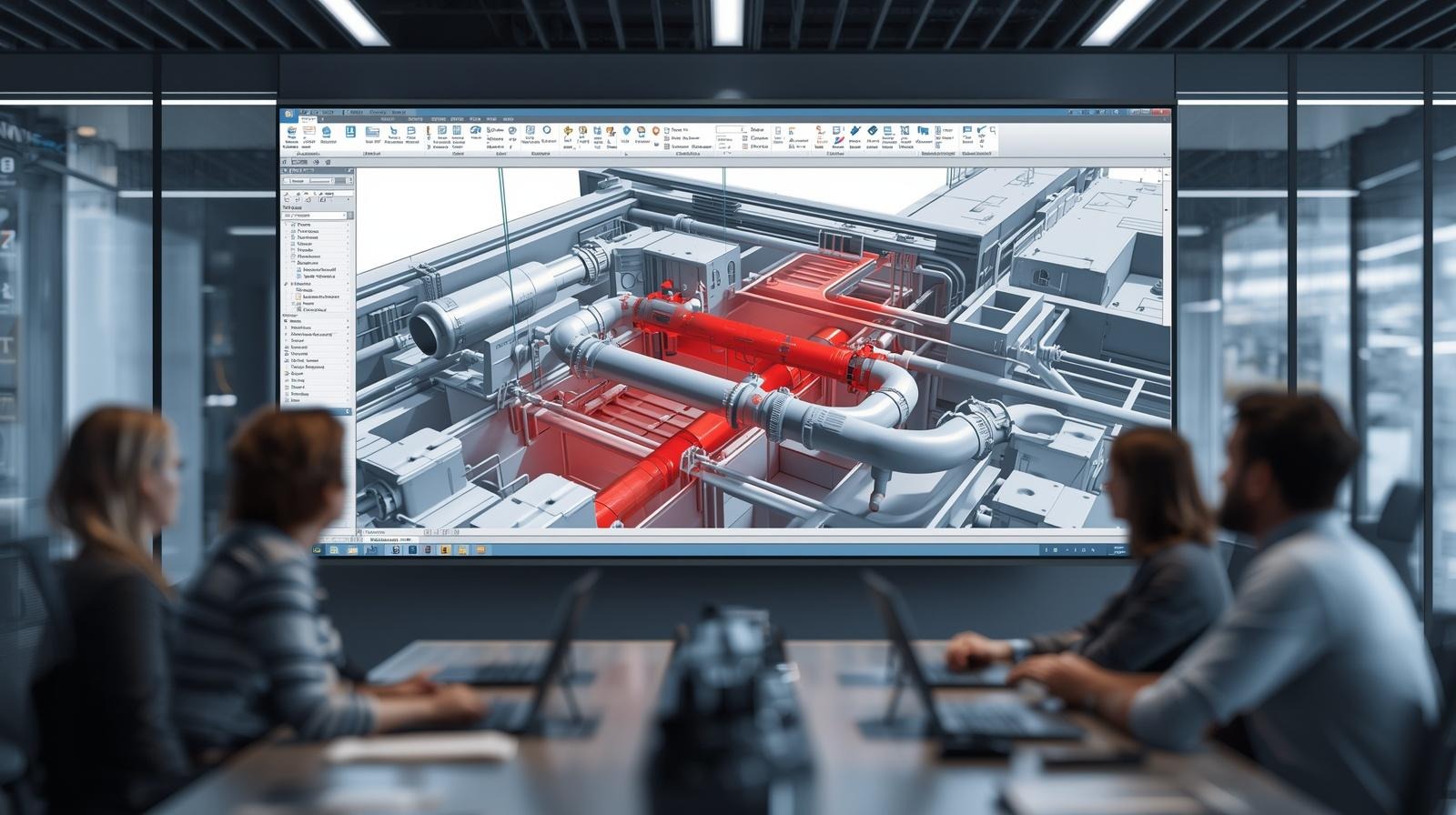
The clash detection procedure in BIM involves identifying clashes between different disciplines in a federated 3D model. In most cases, this model contains the integration of architecture, structure, and MEP. In contrast to conventional 2D modeling, where coordination is dependent on manual assessment, BIM allows for automated identification of potential clashes, leading to a superior method.
Types of Clashes in BIM
A fully evolved BIM process understands that clashes extend far beyond mere geometry, so different types of clashes are as follows:
Geometric (Hard) Clashes
This is physical interference. For instance, a chilled water pipe penetrating a beam is considered to be a geometric clash. Geometric clashes tend to have the highest priority, especially in terms of constructability, in reality.
Soft Clashes (Clearance Issues)
These occur if there aren't enough clearances between components. For instance, if there is inadequate clearance around AHUs or electrical panels, it can result in problems during the construction process or after building completion. High-performing buildings rely heavily on resolving soft clashes.
Workflow (4D) Clashes
Sometimes, even with perfectly correct geometry, workflow conflicts arise. For example, when ceiling systems are installed before the overhead mechanical equipment is installed. This clash type is becoming more frequent in a 4D environment.
Data Clashes (Information Conflicts)
Parameter mismatches, specifications not following standards, and inadequate metadata are common issues when it comes to data clashes.
How Does BIM Clash Detection Work?
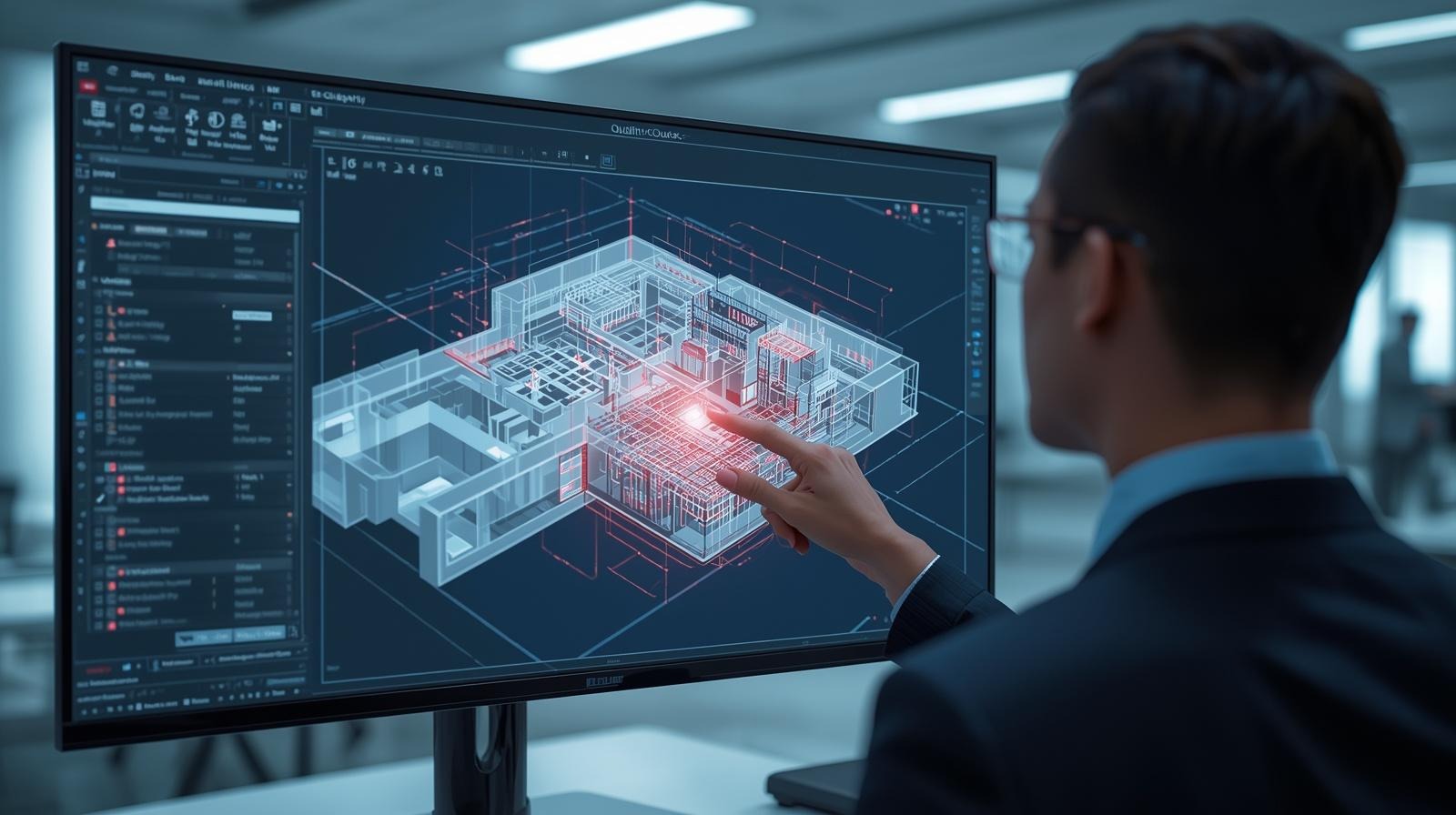
Clash detection is an ongoing task, rather than a singular event, and it forms a part of the BIM cycle. It starts with model creation according to discipline, which is normally done based on LODs. After that, models are aggregated in a federated model with coordination tools.
Based on my practical experience working in a project that required extensive coordination, one of the most important actions is setting up the proper clash rules. Otherwise, hundreds of unimportant clashes will appear, wasting valuable time.
The typical workflow may look like this:
1. Model Preparation & Standardization
2. Model Federation (Aggregation)
3. Clash Matrix & Rule Definition
4. Clash Test Execution (Automated Detection)
5. Clash Filtering, Grouping & De-duplication
6. Clash Prioritization
7. Issue Creation & Assignment
8. Coordination Meetings (Clash Resolution Workshops)
9. Model Updates & Iteration Cycle
10. Clash-Free Validation & Sign-Off
With Autodesk BIM 360, clashes are detected, distributed among stakeholders, and managed in a coordinated way in real time.
Practical insight
At the stage of coordinating high-density MEP areas, such as ceilings in commercial buildings, several hundred clashes could occur on each floor. However, through the correct workflow, you can get rid of all of them before starting the construction phase.
Key Benefits of Clash Detection
1. Reduced Rework and Cost Overruns
Rework is one of the most costly forms of inefficiency within the construction sector. According to industry analysis, a lack of coordination could result in 30 percent of all construction cost overruns. Clash detection helps solve this problem through resolution during the design process.
Based on practical experience:
Solving a clash virtually could require anything from minutes to hours, but solving the same clash physically might take days, and many different stakeholders
The benefits of this disparity would be:
- Reduced waste of materials
- RFI and change orders are minimized
- Predictable costs
2. Improved Design Coordination
Clash detection ensures proper coordination between all the architectural, structural, and MEP disciplines.
With regard to large-scale projects such as data centers and hospitals, the service area is usually very crowded. Coordination without clash detection will result in huge problems during the installation phase.
By using clash detection, you ensure that:
- Services are routed properly
- There is compliance with structural constraints
- The integrity of the design remains intact
3. Enhanced Construction Efficiency
Clash detection plays a significant role in construction schedules. When combined with 4D BIM processes, it enables planners to simulate construction steps and discover any clashes in advance. With Autodesk BIM 360, teams will be able to combine coordination and planning to ensure installations are made in the right order.
Practical implications:
- Decrease in installation times
- Increased labor efficiency
- Quick delivery of projects
Projects that coordinate well through BIM models normally show a 20–25% boost in execution efficiency.
4. Better Project Visualization
Visualization plays an important role in decision-making in the construction industry. Clash detection makes use of 3D modeling to give clarity on how the systems interact. It is especially helpful when making decisions about design changes during coordination meetings.
Rather than using only theoretical drawings, clash detection allows the team to:
- Visualize the clashes
- Find different possible alternatives
- Take well-informed decisions
5. Improved Communication and Decision-Making
Clash detection systems provide an environment that encourages collaboration in the process. Applications such as Revizto facilitate the connection of issues to the actual model components, designation of tasks, and tracking of progress. In our experience, we have found that one of the key benefits of using clash detection systems is accountability.
This leads to:
- Better decisions
- Fewer communication errors
- Enhanced stakeholder coordination
Best BIM Clash Detection Software in 2026
The success of clash detection primarily hinges upon the choice of tool selected.
- Autodesk Navisworks: Recognized as the industry benchmark, Navisworks provides superior clash detection functions and is appropriate for large and intricate projects.
- Autodesk BIM 360: A web-based platform designed to support collaborative working environments, critical for project teams dispersed across multiple locations.
- Solibri: Preferred for rule-based verification and regulatory adherence.
- Revizto: Well-known for ease of use and issue management in real time.
- Autodesk Revit: Most suitable for initial coordination of design and basic clash detection.
Strategic Recommendations
- Small Projects: Revit & Navisworks
- Mid-Scale Projects: Navisworks & BIM 360
- Large & Complex Projects: BIM 360 & Solibri & Revizto
Common Challenges and How to Overcome Them
Despite its benefits, however, clash detection is only as good as the systems used for it.
Problems Associated with Clash Detection
- A low-quality model creates false clash detection
- Absence of standard procedures
- Over-modeling unnecessary details
- Misunderstanding clash detection findings
Best Practices (Practical Recommendations)
- Create a comprehensive BIM Execution Plan (BEP)
- Set clear criteria for performing clash detection
- Adhere to uniform LOD levels
- Hold coordination sessions regularly
- Employ skilled BIM coordinators
Conclusion
Clash detection can no longer be considered just an important milestone in the course of a coordination procedure; instead, it is a key factor ensuring successful implementation of any project, especially projects featuring highly precise engineering works of various kinds.
Based on our experience with data center and commercial facility development and design of highly elaborate MEP infrastructures, we believe that the actual benefit of clash detection consists of a systematic approach to solving identified issues, rather than in the ability to detect clashes per se. The projects applying systematic procedures for conducting clash detection tend to have better coordination cycles, a lower number of reworks, and, generally speaking, higher quality of constructibility results.
Techture uses clash detection as a component of the company's overall strategy related to the use of Building Information Modeling and Virtual Design Construction solutions for optimizing not only the design of models but also their fabrication, installation, and performance on-site. We implement advanced coordination workflows using Autodesk Navisworks and Autodesk BIM 360 technologies together with efficient BIM execution plans. In the contemporary world of engineering and construction, it becomes apparent that effective coordination of design work before its implementation is crucial.
FAQs on Clash Detection in BIM
Q1: What is clash detection in BIM and why is it important?
Clash detection refers to the identification of problems between building systems within the BIM model.
Q2: How does BIM 360 help with clash detection?
BIM 360, an Autodesk tool, allows for real-time collaboration, clash detection, and issue management.
Q3: What are the main benefits of clash detection for construction projects?
They include improved rework reduction, enhanced coordination, increased efficiency, and effective decision-making.
Q4: Which BIM clash detection software is best for beginners?
The Autodesk Revit software is highly recommended because of its intuitive interface.
Q5: How often should clash detection be run during a project?
Clash detection should be done throughout the process on a weekly basis when coordinating and at every major design stage.

.jpg)