.jpg)

Introduction

Construction projects involve complex designs, multiple stakeholders, and large amounts of information. Traditional 2D drawings often require technical interpretation, making it difficult for clients and project teams to fully understand the final outcome.
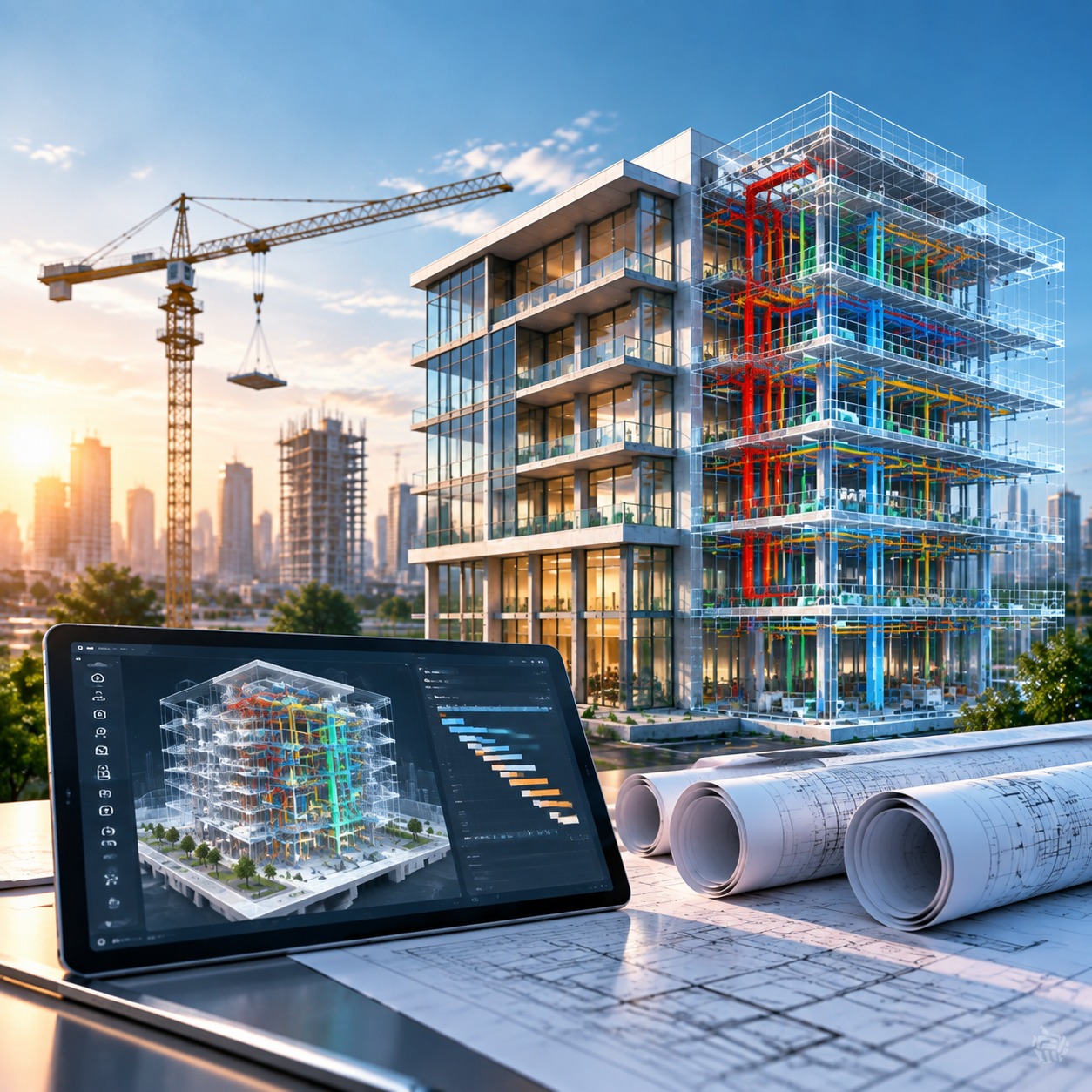
Construction Visualization uses technologies such as 3D Visualization, BIM, AR, VR, and Digital Twins to transform complex project information into clear and interactive digital environments.
Unlike traditional drawings, 3D Visualization of Construction Projects allows teams to understand design intent, review spaces, analyze construction sequences, and identify potential challenges before construction begins.
From 3D Architectural Visualizations for design communication to BIM-based workflows for construction planning, visualization improves collaboration, reduces risks, and supports better project decisions.
At Techture, construction visualization is integrated with BIM, Virtual Design and Construction (VDC), and digital engineering workflows to improve project coordination and delivery.
Why Construction Visualization Matters
Construction projects require effective communication between architects, engineers, contractors, and owners. However, different teams often interpret drawings and project information differently, which can lead to coordination issues.
Construction visualization creates a shared digital environment where teams can better understand:
- Building designs
- Construction sequences
- Material options
- Site conditions
- Project progress
By improving project understanding, visualization helps identify issues earlier, reduce rework, and support faster decision-making.
Improved Planning and Accuracy
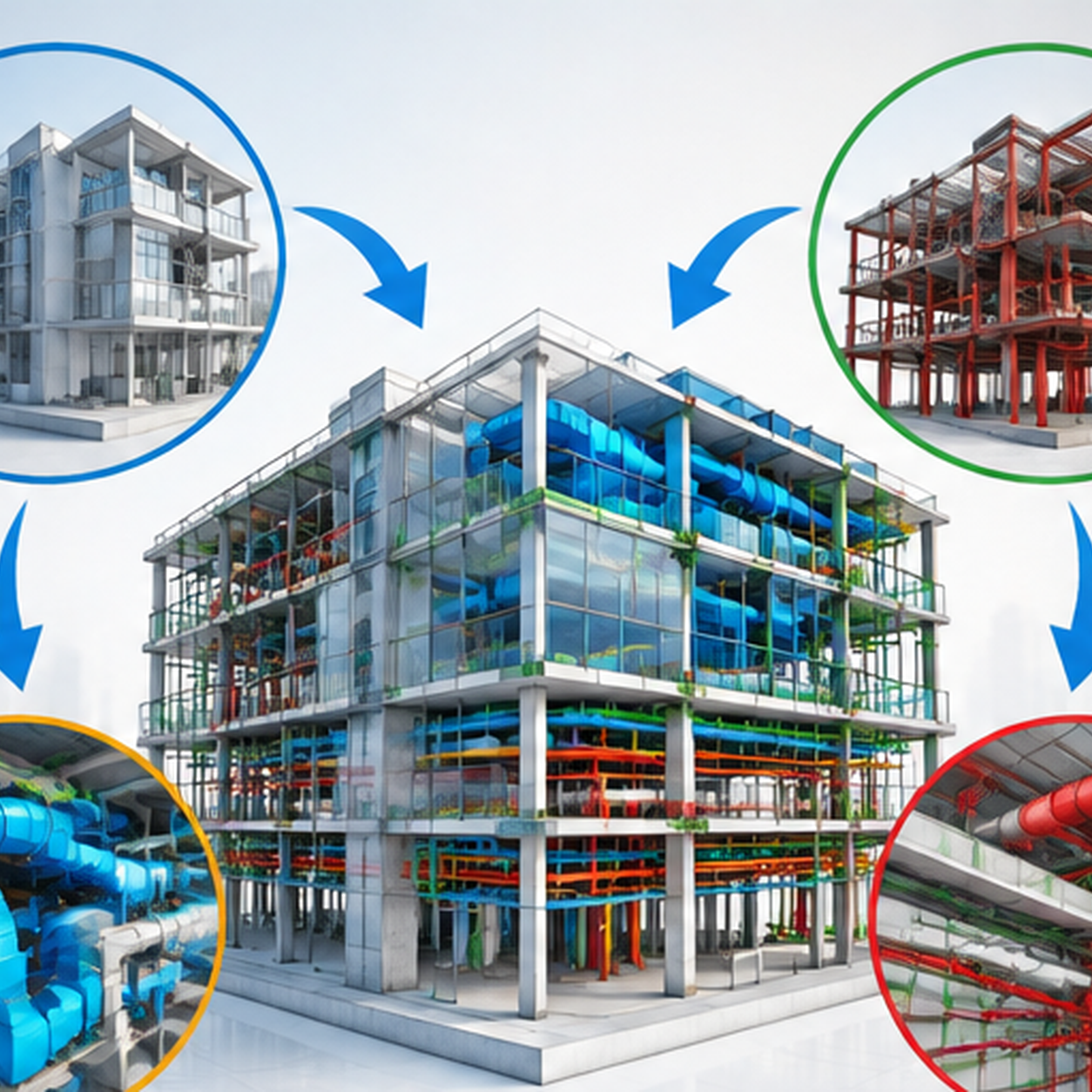
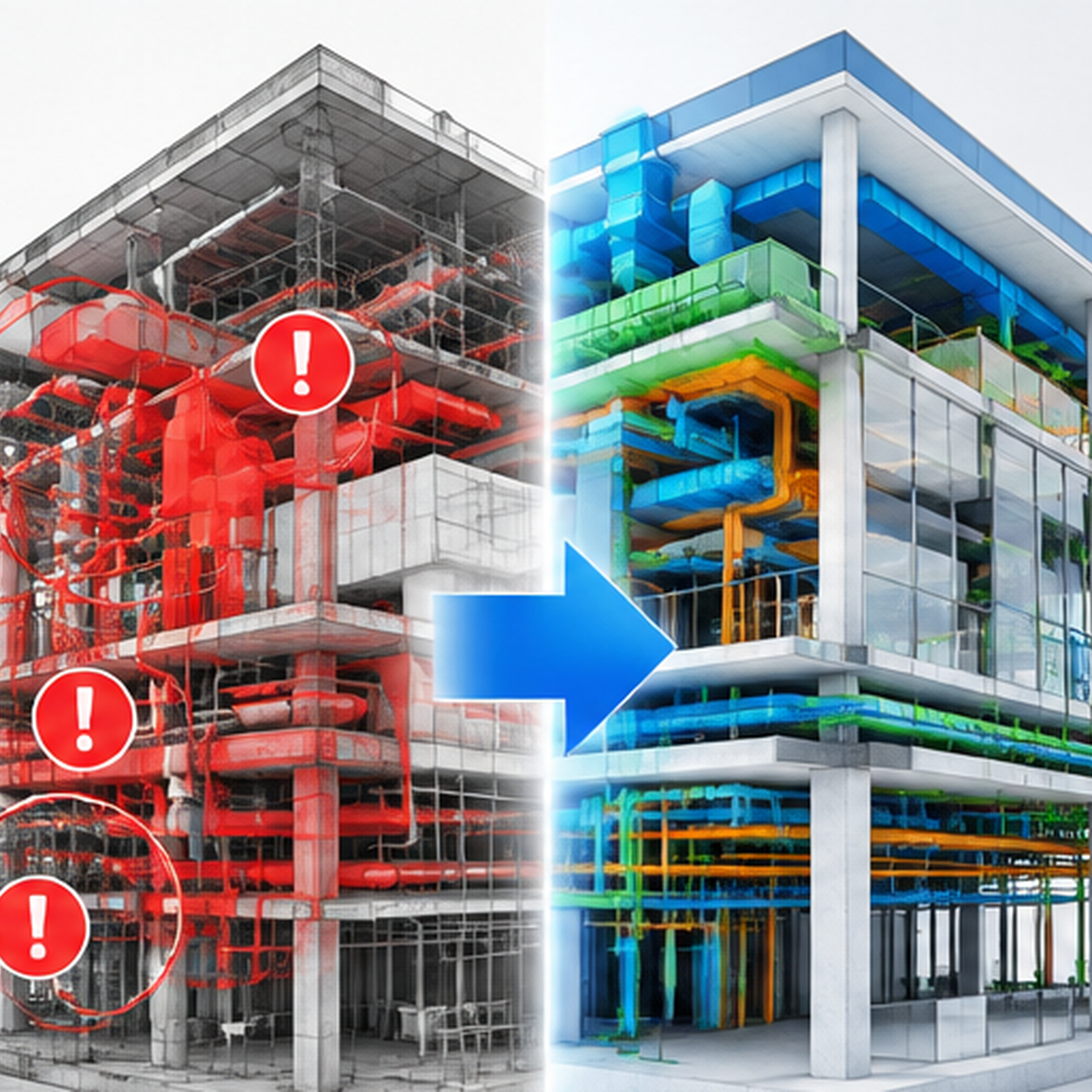
BIM-based 3D Visualization helps teams identify design conflicts, space limitations, and coordination issues before construction begins.
Architectural, structural, and MEP teams can review coordinated models to detect clashes early, improving efficiency and reducing delays during execution.
Better Communication Between Stakeholders
Technical drawings may be difficult for non-technical stakeholders to understand. 3D Architectural Visualizations simplify communication by presenting realistic views of buildings, interiors, materials, and spaces.
This helps clients and project teams align expectations before construction begins.
Better Decision-Making
Construction visualization allows teams to evaluate different design options, materials, layouts, and construction approaches before implementation.
By visualizing different scenarios, stakeholders can make better decisions based on project requirements, budget, and schedule.

Key Technologies in Construction Visualization
Modern construction visualization combines multiple technologies to create accurate and data-rich project environments.
Key technologies include:
- 3D Modeling
- BIM
- AR/VR
- Digital Twins
Each technology supports different stages of design, construction, and building operations.

3D Modeling
3D modeling is the foundation of construction visualization. It helps teams create accurate digital representations of buildings, spaces, and construction elements.
Tools such as Autodesk Revit, SketchUp, and CityEngine support:
- Design development
- Client presentations
- Architectural visualization
When combined with BIM data, 3D models become intelligent digital representations that support coordination and planning.
Building Information Modeling (BIM)
BIM enhances 3D models by adding information such as materials, quantities, costs, schedules, and maintenance data.
Unlike simple 3D models, BIM-based visualization supports the complete project lifecycle.
4D BIM helps teams visualize construction sequences and timelines, while 5D BIM connects models with cost information for better planning and budgeting.
AR, VR, and Digital Twins
AR and VR provide immersive ways to experience construction projects before completion.
AR helps teams compare digital models with actual site conditions, while VR supports design reviews, client presentations, and safety training.
Digital Twins connect BIM models with real-time data from sensors and IoT systems, supporting building performance monitoring, maintenance, and lifecycle management
Types of 3D Visualization Used in Construction
Different types of 3D Visualization support different construction requirements.
3D Architectural Visualizations help communicate building designs, interiors, materials, and finishes before construction.
Construction visualization supports planning activities such as sequencing, site coordination, and progress reviews.
3D Data Visualization helps convert project information into visual insights for tracking progress, schedules, and performance.
Building Visualization supports the complete building lifecycle, from design coordination to facility management.
Benefits of Construction Visualization

Construction visualization provides value beyond creating realistic images. It helps teams improve coordination, reduce risks, and make better decisions throughout the project lifecycle.
Improved Accuracy and Reduced Rework
BIM-based 3D Visualization allows teams to identify design conflicts, coordination issues, and construction challenges before work begins on-site.
By reviewing digital models early, project teams can reduce errors, avoid unnecessary changes, and improve overall project efficiency.
Cost and Time Savings
Visualization improves planning by helping teams understand construction activities before execution.
It supports better coordination, resource planning, and faster decision-making, helping reduce delays and unexpected project costs.
Better Stakeholder Communication
Construction projects involve stakeholders with different levels of technical knowledge. Visual tools such as 3D models, walkthroughs, and interactive environments make complex information easier to understand.
This improves client approvals, team collaboration, and overall project alignment.
Improved Safety Planning
Construction visualization helps teams review site conditions, construction sequences, and potential risks before activities begin.
4D BIM models allow teams to plan safer workflows and improve site coordination.
Marketing and Pre-Sales Support
3D Architectural Visualizations help developers present projects before completion.
Realistic renders, interior views, and virtual walkthroughs allow customers and investors to better understand the final outcome.
Challenges and Limitations
Despite its value, visualization comes with barriers—especially for smaller teams or tight budgets.
- High Initial Costs: Hardware and software investments can be significant.
- Learning Curve: Teams must be trained to use new tools effectively.
- Integration Complexity: Bringing together BIM, AR/VR, and GIS data takes planning.
- Hardware Needs: High-end PCs and headsets may be necessary for advanced rendering.
Use Cases & Real‑World Applications

Use Cases and Real-World Applications
Construction visualization is used across different sectors to improve planning, communication, and project understanding.
Commercial Construction
Commercial projects use visualization for design reviews, client presentations, construction planning, and coordination between different teams.
Infrastructure Projects
For large infrastructure developments, visualization supports site analysis, construction sequencing, and stakeholder communication.
Residential Development
Developers use 3D Architectural Visualizations to showcase apartments, interiors, and building designs before completion.
Urban Development
Cities and planning organizations use 3D environments to understand future developments and their impact on surrounding areas.
Software and Tools Used for Construction Visualization
Different tools support different stages of construction visualization, from BIM modeling to immersive experiences.
BIM and Design Platforms
Tools such as Autodesk Revit and InfraWorks support BIM modeling, design coordination, and project visualization.
Rendering and Visualization Tools
Platforms such as SketchUp, V-Ray, Enscape, and Twinmotion help create realistic architectural views and interactive presentations.
Real-Time and Immersive Platforms
Unity and Unreal Engine support advanced visualization, virtual environments, and VR experiences.
GIS Visualization Tools
ArcGIS Pro and CityEngine support site analysis, urban visualization, and location-based project understanding.
Best Practices for Implementing Construction Visualization
A successful visualization workflow requires the right technology, accurate data, and effective collaboration.
Organizations should:
- Define clear project objectives before selecting visualization methods.
- Maintain accurate BIM models and consistent data standards.
- Train teams on visualization workflows and tools.
- Involve stakeholders early to improve communication and decision-making.
Following these practices helps organizations get better value from construction visualization.
Future Trends in Construction Visualization

Construction visualization is becoming more connected, intelligent, and data-driven.
AI-Assisted Visualization
AI is helping teams analyze designs, identify potential issues, and improve decision-making when combined with BIM and 3D Visualization.
Cloud-Based Collaboration
Cloud platforms enable teams to review models, share information, and collaborate remotely in real time.
Digital Twins and Real-Time Data
Digital Twins combine BIM models with IoT and operational data to support building monitoring, maintenance, and asset management.
Mobile AR Applications
AR solutions allow field teams to compare digital models with actual site conditions, improving installation accuracy and quality checks.
How Techture Supports Construction Visualization
Techture combines BIM, VDC, and digital engineering expertise to deliver construction visualization solutions that support the complete project lifecycle.
Its capabilities include:
BIM-Based Visualization:
Creating accurate digital models that support design coordination, construction planning, and collaboration.
3D Architectural Visualizations:
Developing realistic visual experiences that help clients understand building designs, interiors, and materials before construction.
Construction Simulation and Data Visualization:
Using BIM-driven workflows to visualize construction sequences, track progress, and support better project decisions.
Through integrated visualization workflows, Techture helps organizations improve coordination, reduce risks, and deliver more efficient construction projects.
Conclusion
Construction visualization has become an essential part of modern project delivery. It helps architects, engineers, contractors, and owners understand designs, identify challenges early, and improve collaboration.
From 3D Visualization and 3D Architectural Visualizations to BIM, AR/VR, and Digital Twins, these technologies are transforming how construction projects are planned and delivered.
The value of visualization goes beyond realistic images. It supports better decision-making, reduces risks, and creates a foundation for smarter digital construction workflows.
Techture combines BIM expertise, VDC methodologies, and advanced visualization capabilities to help organizations deliver better-coordinated construction projects.
FAQs
What is construction visualization?
Construction visualization uses technologies such as 3D modeling, BIM, AR, and VR to create digital representations of construction projects and support better planning.
How does 3D Visualization help construction projects?
3D Visualization helps teams understand designs, identify issues early, improve coordination, and communicate project information effectively.
What is the difference between BIM and 3D modeling?
3D modeling represents the geometry of a building, while BIM adds information such as materials, quantities, costs, schedules, and maintenance data.
What are 3D Architectural Visualizations used for?
They are used for design reviews, client presentations, marketing, material selection, and understanding spaces before construction.
What is 3D Data Visualization in construction?
3D Data Visualization combines project information with visual models to analyze progress, schedules, costs, and performance.
What software is used for construction visualization?
Common tools include Autodesk Revit, InfraWorks, SketchUp, V-Ray, Enscape, Twinmotion, Unreal Engine, Unity, and ArcGIS Pro.
What is the role of Digital Twins in construction?
Digital Twins connect digital models with real-world data to support building monitoring, maintenance, and lifecycle management.